 Demobites
New release alerts
One email per release. Nothing else.
Update center
Demobites Updates
August 2026iEach day is shaded by how many updates shipped that day.None → 3+The day the release landed
NewAugust 13, 20266 updates
 0:43
0:43
Polish Your Bites, No Reshoots Needed
See how to rewrite narration, trim dead air, score with music, and organize takes into monthly releases — all without ever picking up a camera again.
All 6 updates in this release
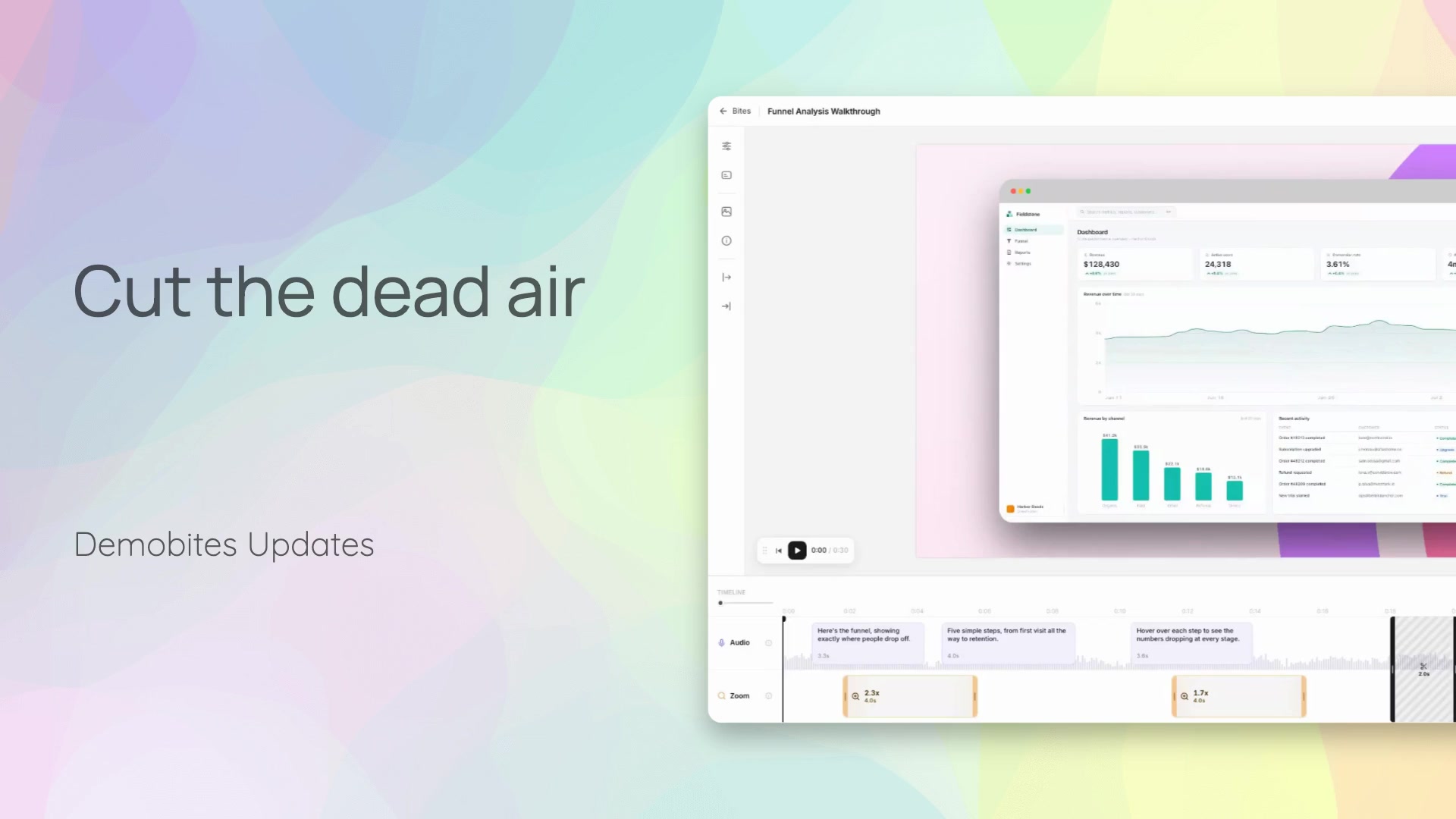 0:33EnhancementDelete Dead Air Without ReshootingThis walkthrough shows how to remove silent or ineffective segments directly from your timeline. Delete a segment, confirm, and watch the surrounding clips close the gap automatically for a tighter cut.
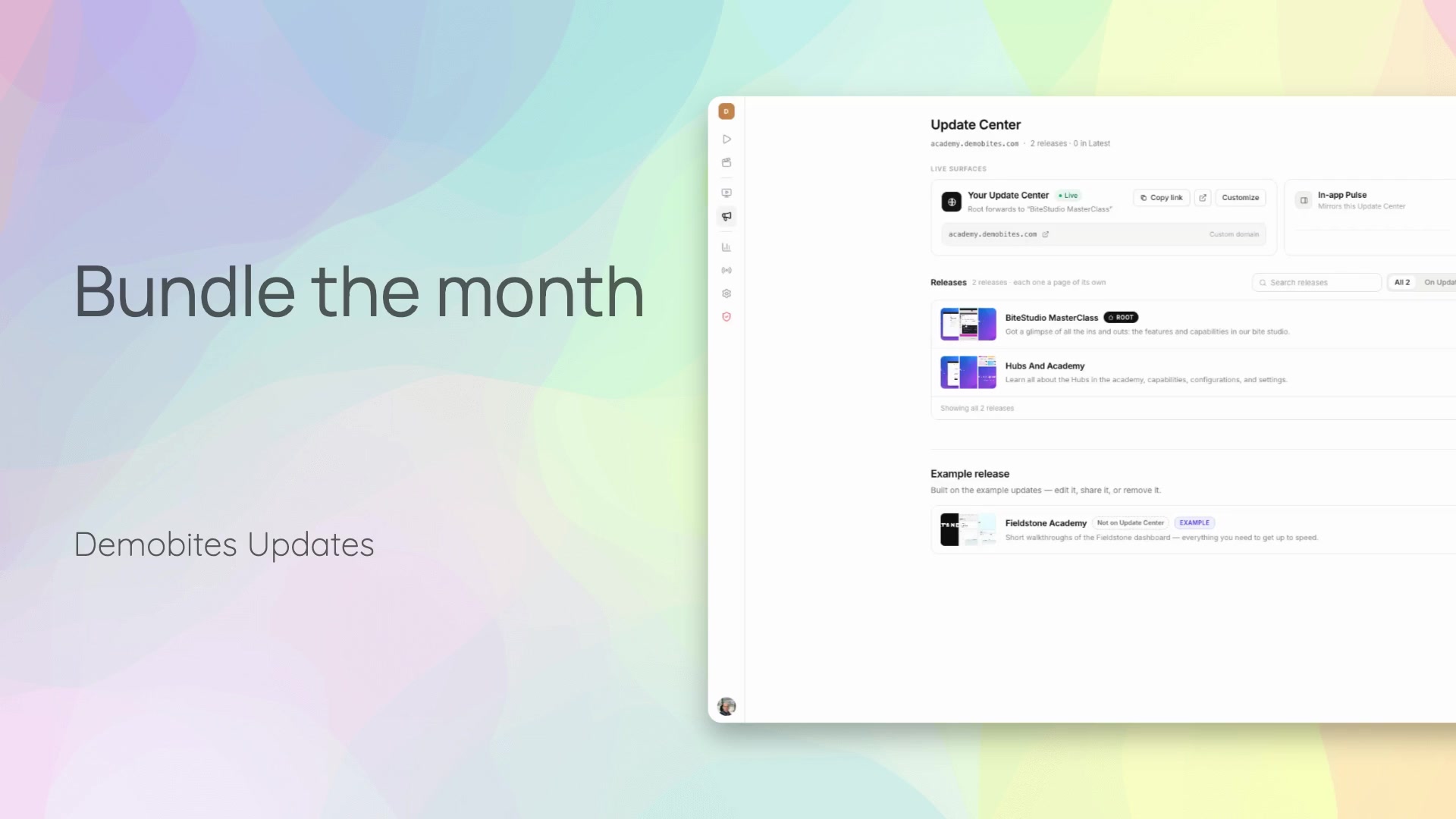 0:34FeatureBundle a month of updates into one roundupThis walkthrough covers starting a new release and choosing the roundup format to bundle a period's updates together. It then shows the studio, where you start fresh or reuse a styled layout to build a recap with a title, intro, and space for the month's bites.
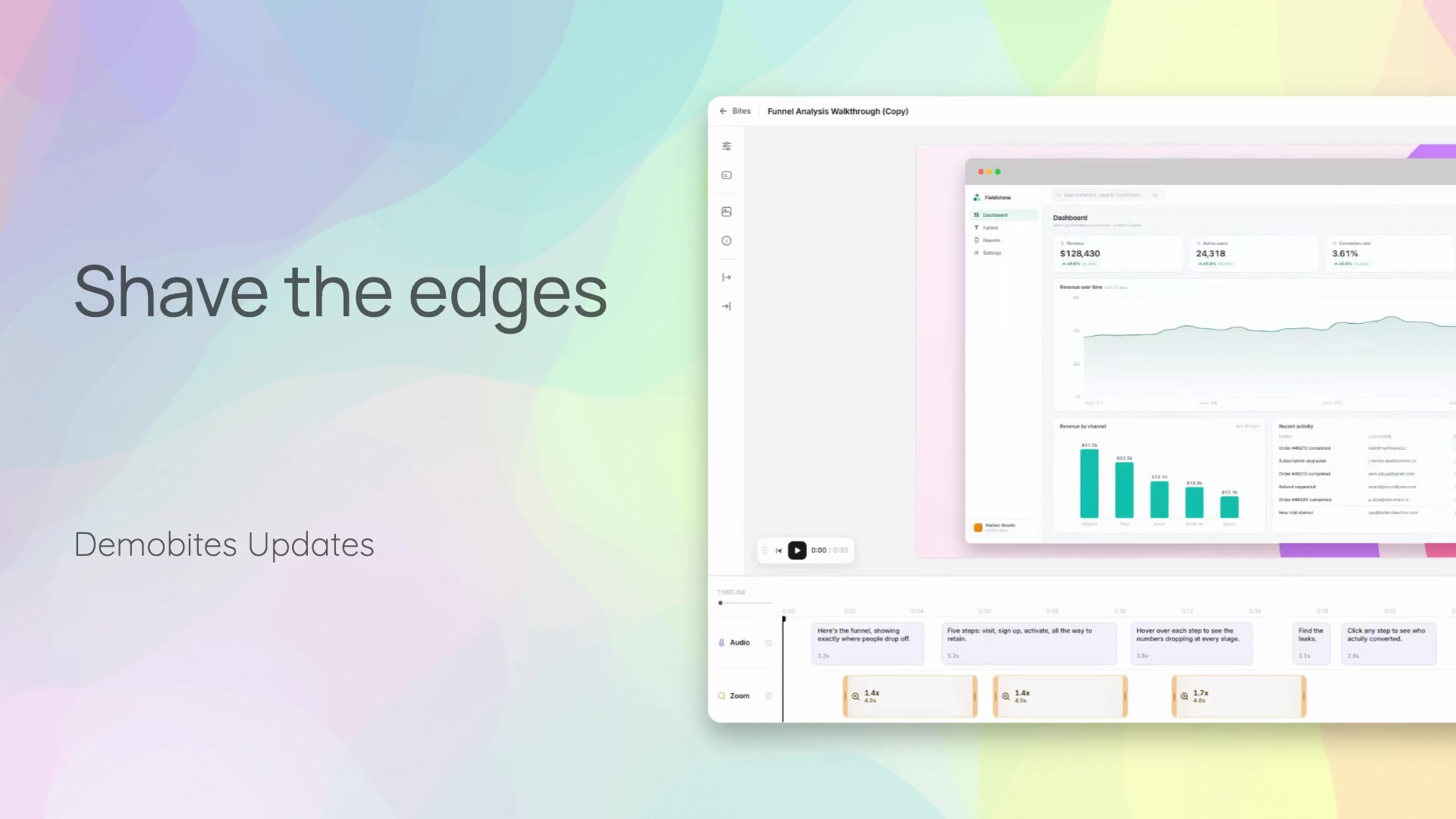 0:28FeatureTrim dead air from your recordingsRecordings often start early and end late, leaving dead air before the real content begins. The Trim Edges tool fixes this by cutting a fixed amount of time from the start or end with a single click, tightening the recording so it opens on action.
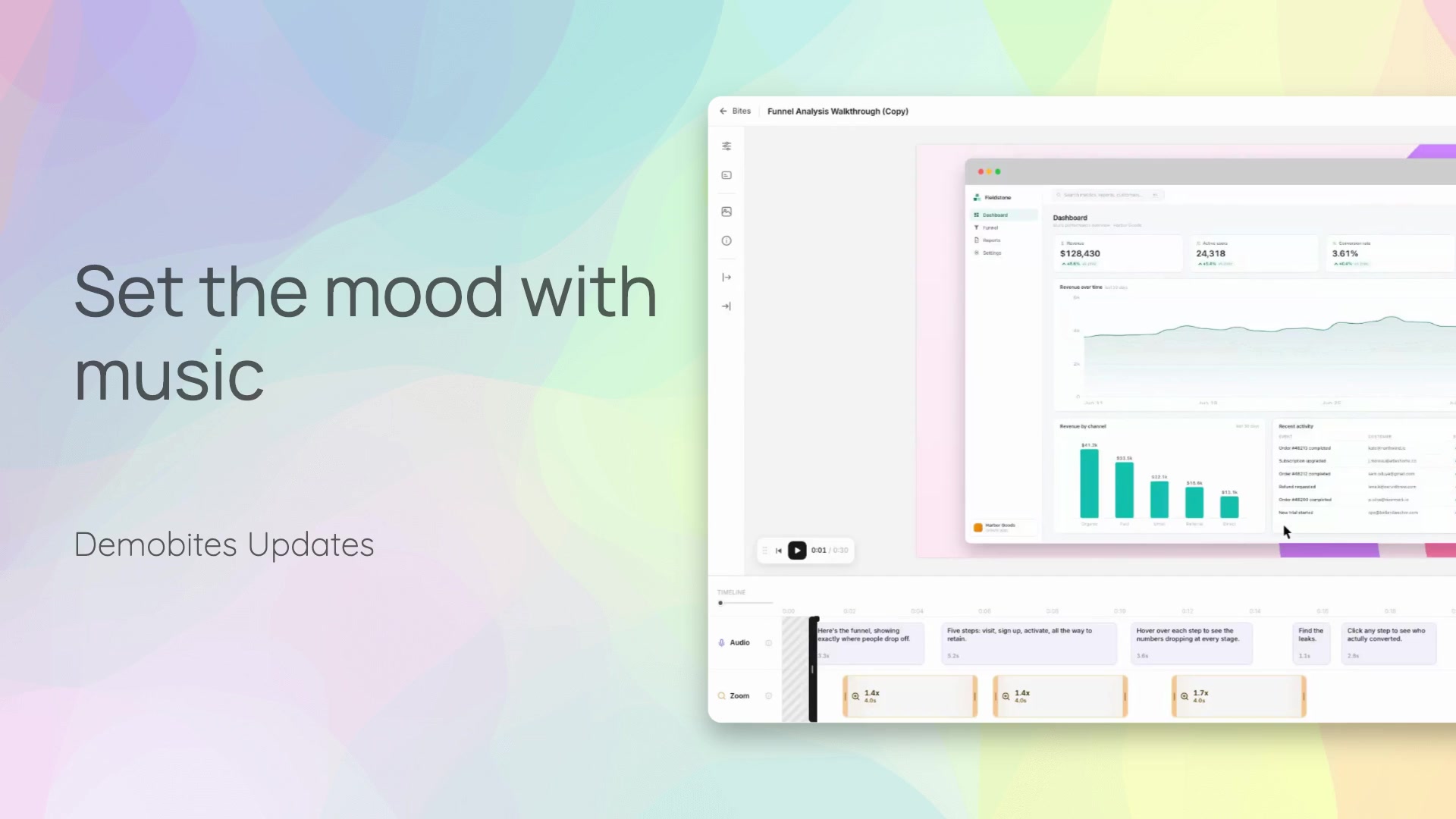 0:29FeatureScore your demo with mood-tagged musicMusic now lives right in the edit panel, with tracks tagged by mood so you can filter for the feeling you want. Pick a track and it scores the whole bite, automatically balanced under the narration.
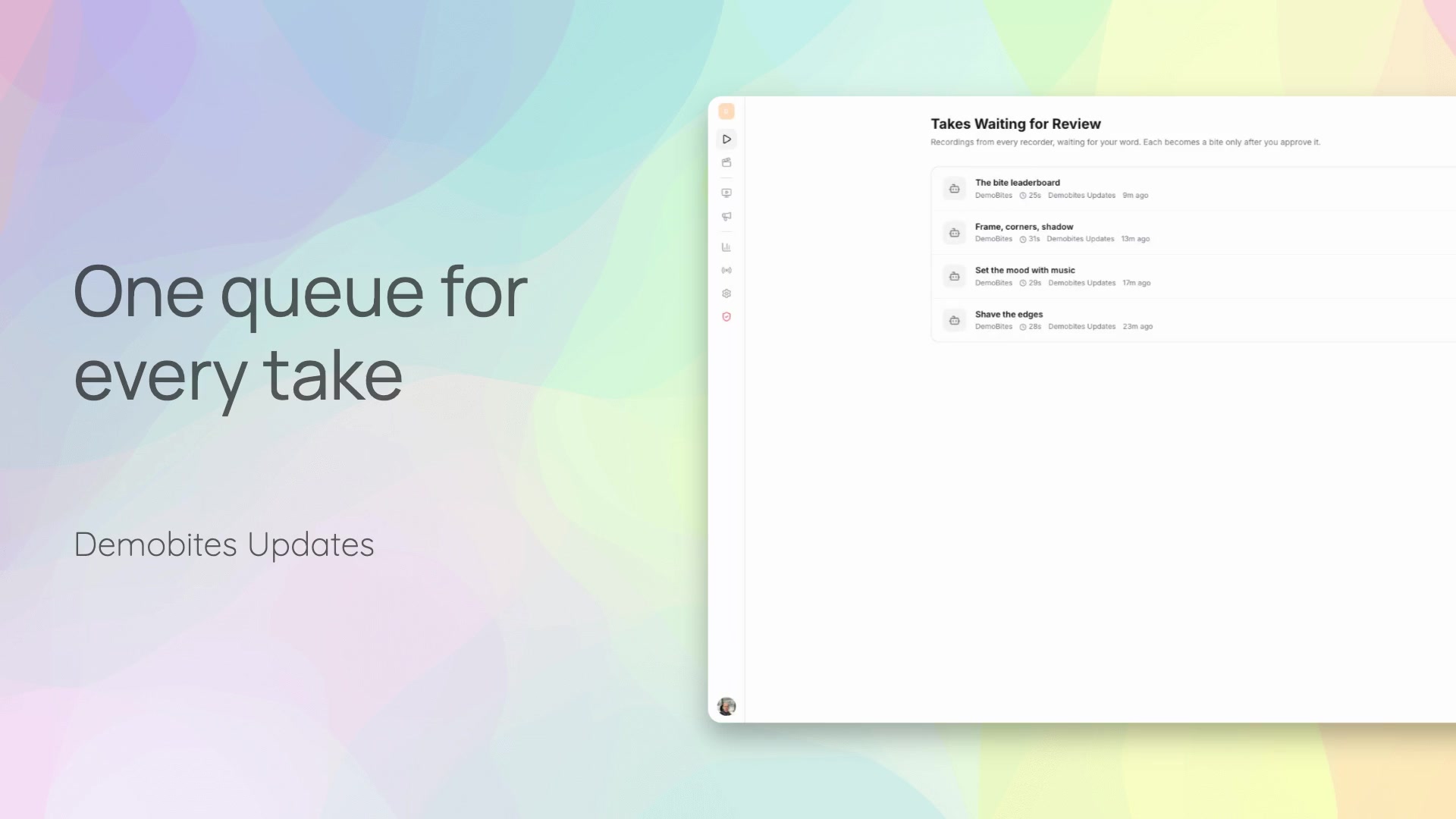 0:20FeatureReview every take in one queueRecorded takes collect in one review queue instead of being scattered across steps. Each take keeps its source and story attached so you can open it, watch the visuals, and confirm it covers what you need before anything moves forward.